Every NBA game, every night
An NBA fan needs four national channels: ESPN for Wednesday and Friday night games, TNT for Tuesday and Thursday, ABC for Sunday afternoons and the Finals, and NBA TV for the games nobody else carries. Add your regional sports network — NBC Sports for the Bay Area, MSG for New York, Bally Sports for the Midwest — and you have every game your team plays. During the trial, check all four national channels plus your regional network, and watch each for five minutes. If one is missing, the service is not an NBA service for your household.
The schedule is relentless: 82 games per team, plus the play-in tournament in April, the playoffs in April and May, and the Finals in June. A service that works in November and freezes in May has failed at the only time that matters. Test the trial during a big game — a Lakers-Celtics matchup on ABC, a playoff game on TNT — and count the freezes in the fourth quarter. Start the free 24-hour trial on a game night and let the fourth quarter decide.
Why the fourth quarter freezes most
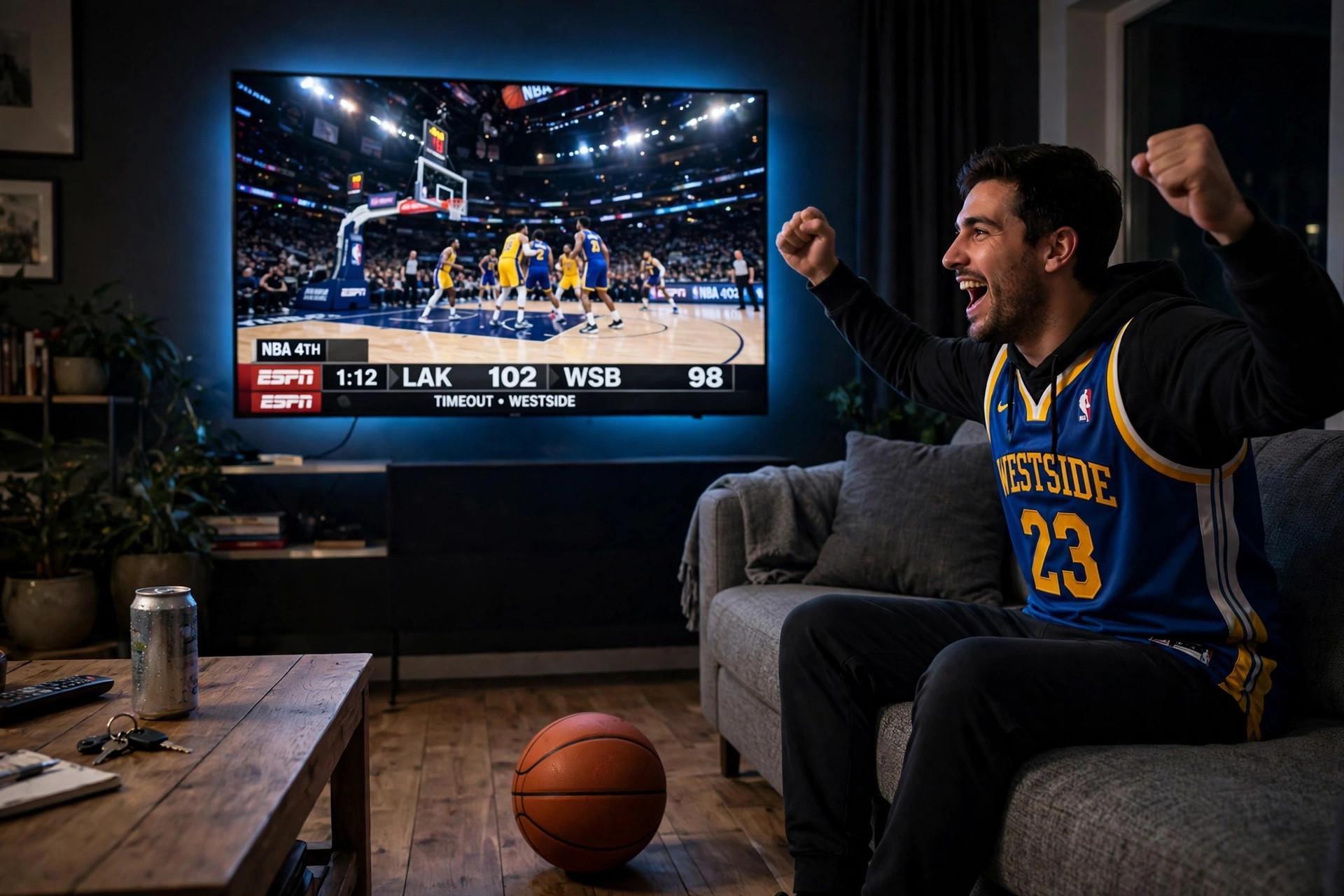
The fourth quarter is the hardest moment for any stream, because the audience peaks when the game is close and the picture is at its most detailed — fast breaks, full-court presses, and a crowd on its feet. The data rate spikes with every fast break, and a server without spare capacity freezes exactly when the game is decided. That is why the honest test is always the fourth quarter, not the first: watch the whole game, and count the freezes in the last five minutes. Zero freezes in a close fourth quarter means the servers have real spare capacity.
Prepare like the players do: open the channel thirty minutes before tip-off, set the buffer to Large in TiviMate, and use Ethernet or the 5 GHz band. Do not channel-hop in the last two minutes, because every change empties the buffer at the exact moment the servers are busiest. A service with anti-freeze servers holds the fourth quarter clean, and the trial on a close game is how you prove it.
Picture quality for basketball
Basketball punishes a weak stream harder than any other sport except football, because the ball moves fast, the players change direction constantly, and the court is full of straight lines that show every compression artifact. A good stream keeps the ball round and the court lines straight during a fast break; a weak stream smears the ball and wobbles the lines. Open the player stats in TiviMate or IPTV Smarters Pro and confirm 60 frames per second — US basketball broadcasts at 60 fps, and a 30 fps stream looks jerky on every fast break, whatever the resolution says.
Test the picture on a close-up too. Pause the game during a free throw and look at the jersey texture and the numbers on the back — in a real 4K stream you can read the name clearly, while in an upscaled 1080p stream the letters soften. Run this test during the trial, at peak time, because a stream that looks sharp at noon can soften at 8 PM when the servers are busy. Our stream quality guide explains the full test.
Regional sports networks and blackouts
Your local team lives on your regional sports network, and that channel is the one fans miss most when they switch services. Check it during the trial: open the RSN an hour before tip-off and confirm the pre-game show loads, the picture is sharp, and the guide lists the game at the right time. National blackout rules can affect some games, but a good service carries the RSN feed that your area is supposed to get, and the trial is the time to confirm it — not the first night of the season.
- Check ESPN, TNT, ABC, NBA TV and your regional sports network in the trial.
- Watch a full game and count the freezes in the fourth quarter.
- Open the player stats and confirm 60 frames per second.
- Open the channel 30 minutes before tip-off and do not hop channels late.
- Test the EPG for the game time and set a reminder for the next game.
If your RSN is missing, message support on WhatsApp before you pay and ask whether it can be added. A good team will check the lineup and answer honestly; a bad team will promise everything and deliver nothing. The RSN is the difference between watching your team and watching everyone else's team, and it is worth one message before you subscribe.
Playoffs and the Finals
The playoffs raise the stakes, because every game matters and the audience grows each round. The Conference Finals in May and the NBA Finals in June are the biggest basketball nights of the year, carried on ESPN, TNT and ABC, and they are when weak services fail most visibly. Prepare the same way: early channel open, wired connection, large buffer. Start the stream an hour early for a Finals game, because the pre-game show is long and the buffer will be deep by tip-off.
For the Finals, have a backup ready: know the channel on a second device, so if the TV app ever stutters you can switch to the phone in seconds without missing a play. Keep the support number on your phone — WhatsApp at +212 604 034 330 — so a message takes ten seconds instead of a search. A service with anti-freeze servers and real support will carry you through the series, and the trial on a regular-season game is how you prove it before June.
Catch-up and replays for night games
West Coast games tip off at 10:30 PM Eastern, which is too late for many fans, and catch-up TV is the answer. Open the guide the next morning, scroll back to the game on ESPN or TNT, and press play — the full game is there if the guide is accurate and the catch-up system works. Test it during the trial: watch a game live one night, then play it back from the guide the next morning. If the replay works, both the guide and the catch-up system are healthy; if the guide is blank, catch-up cannot work at all.
Replays also matter for the games you miss during the week. A service with a good VOD library adds full game replays and highlights, so a fan who works evenings can still follow the season. Check the replay section during the trial and confirm last night's game is there. Our EPG guide explains how the guide and catch-up work together.
Multi-device for the basketball household
A basketball household watches on more than one screen: the game on the living-room TV, the second game on a tablet, and the highlights on a phone. Premium multi-device yearly plans cover 2 devices for $159.99, 3 for $224.99 and 4 for $269.99, so the whole house can watch different games at the same time. Test two streams at once during the trial — the game on the TV and a second game on the tablet — and count the freezes on each. Two clean streams means the service and your internet can carry the household.
The price for a single device is simple: Premium at $19.99 for a month, $49.99 for three months, $79.99 for six months and $99.99 for the year, with 57,000+ channels, 185,000 movies and 49,000 series in 4K. For an NBA fan, that is every game of the season for less than the cost of two tickets to one game. Compare the plans and start with the trial on the next big game night.
After the buzzer: what your notes tell you
After the final buzzer, write down three numbers: how many times the picture froze, how long each freeze lasted, and when they happened. Freezes only in the fourth quarter point to a server surge. Freezes spread through the whole game point to your Wi-Fi or device. No freezes at all means the setup is ready for the playoffs. Keep those notes, because they are the baseline for the next game — if a service that was clean starts freezing in May, something changed, and a message to support with both sets of numbers gets a faster fix than a complaint with no history.
Share the notes with support when something goes wrong, and keep them when everything goes right. A provider that passes three game nights in a row has earned the yearly plan, and the refund policy gives you 7 days to change your mind, 30 days on yearly plans, if you pick wrong.
NBA League Pass nights and national games
Not every game is on national TV, and the nights when your team plays on NBA TV or a regional network are the ones that test a service hardest. League Pass nights carry out-of-market games that ESPN and TNT skip, and a good service lists them in the guide with the right start time, so you can set a reminder and find the game without scrolling. Check the guide during the trial on a night when your team plays out of market: if the game is listed on NBA TV at the right time and the stream opens in seconds, the service handles the full NBA schedule, not just the marquee matchups.
National games bring a second test: the audience. A Lakers-Celtics game on ABC draws far more viewers than a Tuesday night game on NBA TV, and the servers feel the difference. Watch a national game during the trial and count the freezes in the fourth quarter, then watch a quieter game the next night and compare. A service that holds both clean has the capacity for the whole season, from the first week in October to the Finals in June, and that consistency is what an NBA fan is actually paying for.
The last two minutes are the real NBA test. A stream can look perfect for three quarters and then freeze on the final possession, when the arena is loudest and the camera never stops moving. Do not channel-hop in those minutes, and do not let the stick sleep: open the channel thirty minutes before tip-off, set the buffer to Large, and use Ethernet or the 5 GHz band so the connection is settled before the game gets tight. If the picture holds through a close finish, the service has passed the hardest part of the night. Replays matter too, for the games you miss during the week, so check the VOD library for full game replays and highlights before you judge the package. A service that survives the fourth quarter on a Friday and still has the replay on Saturday morning is the one worth the yearly plan.