Best IPTV service USA free trial: start here, not the sales page
Every serious IPTV provider offers a free 24-hour trial with no card details, and that trial is the test. Message the provider on WhatsApp, ask for the trial, and note two things before you watch anything: how fast they answer, and how clear the setup instructions are. A team that activates your trial in five minutes and sends simple steps is showing you their support quality. A team that takes hours, or asks for payment first, is showing you something else. Start the free 24-hour trial and keep a notebook beside the TV for the evening.
Set up the trial on the device you actually watch on, not the easiest one. If the family watches on a Firestick in the living room, test on the Firestick — a trial that works on your phone but freezes on the stick has not proven anything. Follow the install guide for your device, install TiviMate or IPTV Smarters Pro, and log in with the trial details. The setup should take under ten minutes; if it takes an hour, the instructions are bad or the service is hard to use, and both are worth knowing before you pay.
The one-evening test plan
Test from 7 PM to 11 PM, because those are the hours that matter. At 7 PM, open ABC for the evening news and time how fast the channel opens. At 8 PM, switch to ESPN for the game and watch the first half without touching anything. At halftime, open the EPG and check whether the guide matches the real schedule. At 9 PM, switch to FOX for the late game or a movie on HBO, and watch for freezing. At 10 PM, message support on WhatsApp with a question and time the reply. Four hours, five checks, and you will know more than any review could tell you.
Write down the numbers as you go: seconds to open each channel, number of freezes, whether the EPG matched, and minutes until support answered. Memory is generous after a good evening and harsh after a bad one, so the notes are the honest record. A service that passes all five checks is worth paying for. A service that fails two or more is not, no matter how cheap it is — a $9.99 plan that freezes during every game costs more in frustration than a $19.99 plan that works.
Test the channels you actually watch
Open your five must-have channels first, not the ones on the sales page. If your household watches ABC, NBC, CBS, FOX and ESPN, test those five and watch each for five minutes. Then test your regional sports network, your local news channel, and the channels your kids watch. A provider can have 57,000 channels and still miss the one your family watches every night, and the trial is the only way to find out before you pay. Check the picture quality on each one: is it sharp, is the sound in sync, does it open in seconds?
Also test the channels at the time you watch them. A channel that plays fine at noon can freeze at 8 PM when everyone is watching, so test the evening lineup in the evening. If you watch the NFL on Sundays, run the trial on a Sunday — a weekday test cannot prove Sunday performance. If you watch pay-per-view fights on ESPN+, try to time the trial for a fight night. The trial is free, so use it at the hardest time, not the easiest.
Test the picture quality with your own eyes
You do not need tools to test quality; your eyes are enough. Watch a live NFL game on FOX or CBS and look at the grass during a fast play — sharp blades of grass mean a good bitrate, a green blur means a weak one. Watch an NBA game on TNT and follow a fast break — the ball should stay round. Pause a movie on HBO and look at a close-up — skin texture and fabric detail mean real 4K, a smooth plastic look means upscaled 1080p. Run the same test on the trial and on your current service, one after the other, and compare while the memory is fresh.
Check the player stats too. In TiviMate or IPTV Smarters Pro, open the stream information and confirm the resolution and frame rate: 3840 by 2160 and 60 frames per second for real 4K sports. If the stats say 1080p on a channel labeled 4K, the provider is not delivering what it advertises. Our stream quality guide explains the full test in detail, including audio sync and dropped frames.
Test the EPG and catch-up
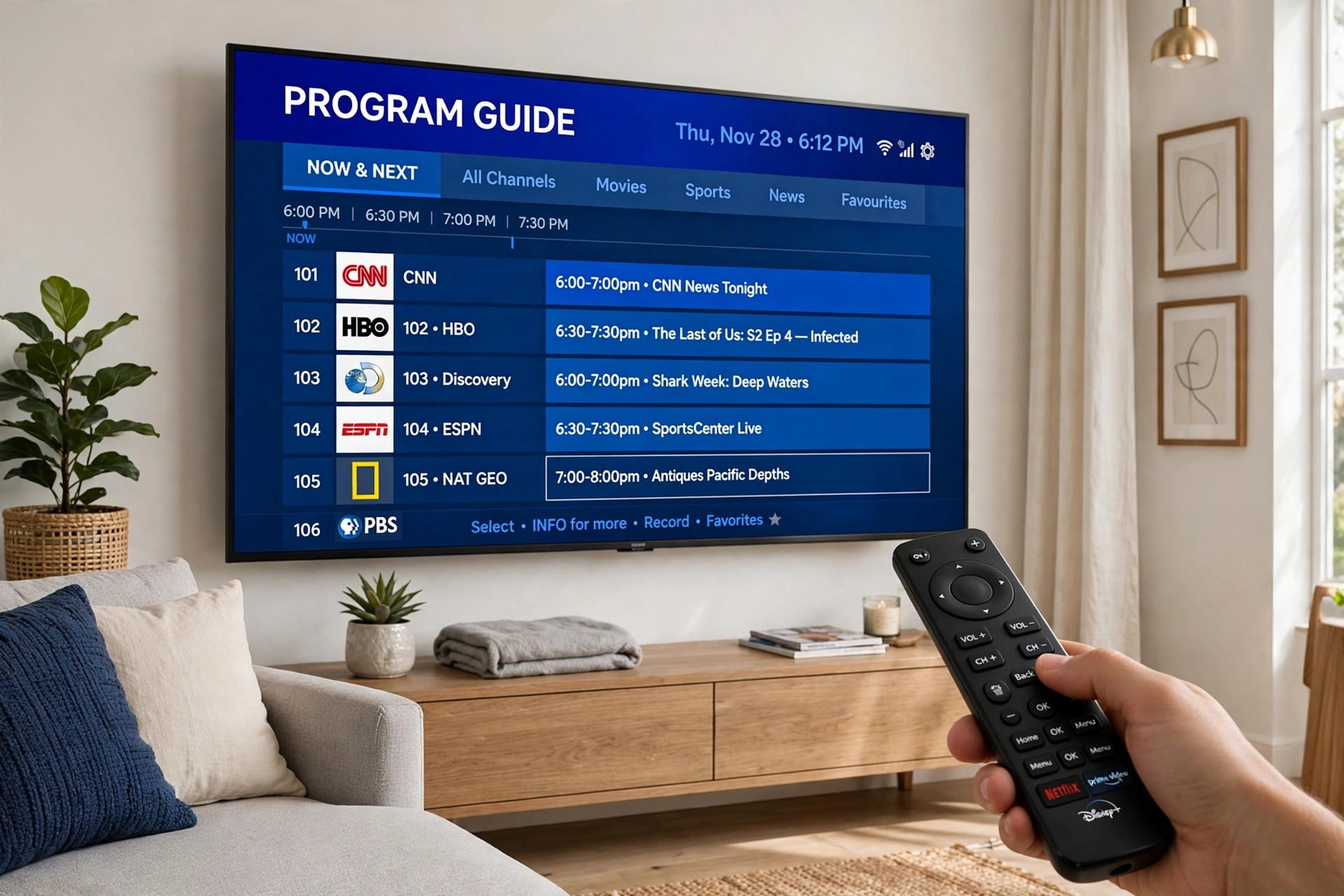
Open the TV guide at 7 PM and compare it with the real schedule for ABC, NBC, CBS, FOX and ESPN. The news, the game and the primetime show should all match. Then scroll back three hours on NBC and try to play a program that already aired — that is catch-up TV, and it only works when the guide is accurate. A provider whose guide is right on day one is maintaining it daily; a provider whose guide is empty or a day behind is not, and the same neglect will show up in dead channels within weeks.
- Open ABC, NBC, CBS, FOX and ESPN and time how fast each channel loads.
- Watch one full half of a live game and count every freeze.
- Compare the EPG with the real schedule at 7 PM, 8 PM and 9 PM.
- Try catch-up TV on NBC by playing a show from three hours ago.
- Message support on WhatsApp and time the reply.
If the EPG is wrong, message support about it during the trial and see what happens. A good team will check the guide data the same day. A bad team will tell you to reinstall the app, which fixes nothing when the server data is stale. The way a provider handles a guide complaint tells you how they will handle every complaint after you pay.
Test support with a real question
Support is the hardest thing to judge from a website, and the easiest to judge in a trial. Send a real question on WhatsApp — how do I set up the EPG on TiviMate, or why does one channel stutter on my Firestick — and time the answer. Under five minutes with a clear fix is excellent. A reply that asks the right follow-up questions is even better, because it means a technician is diagnosing, not stalling. Test on a Sunday evening if you can, when support matters most and weak teams disappear.
Also test the free remote installation. Send your device details and ask the team to help you set it up — a serious provider does this free, in five to ten minutes, and stays on the chat until your first channel plays. If the team refuses, charges extra, or sends you a video link instead of helping, you have learned what support will look like for the next twelve months. Our customer support guide explains what good support looks like in detail.
Compare prices honestly
Once the trial passes, compare the price with the same honesty. Premium at $19.99 for one month, $49.99 for three months, $79.99 for six months and $99.99 for twelve months is a clear price with no hidden fees. Multi-device yearly plans run $159.99, $224.99 and $269.99 for two, three and four devices. Basic costs $14.99, $24.99, $39.99 and $59.99 for the same lengths. Read the refund policy before you pay — 7 days to change your mind, 30 days on yearly plans — and check how payment works: card or the methods confirmed on WhatsApp, with no surprise renewal at a higher price.
Compare the trial result with the price, not the price alone. A $19.99 service that passes every test is cheaper than a $9.99 service that freezes during the Super Bowl, because the cheap one wastes the evenings you paid for. Write down the trial numbers next to the price, and the decision usually makes itself. If two providers both pass the test, pick the one with faster support — it is the difference you will feel most over the next year.
Red flags to walk away from
Walk away from any provider that refuses a free trial, hides its prices, or only accepts gift cards or cryptocurrency. Walk away from support that only answers before payment and goes quiet after it. Walk away from a channel list that never changes and a guide that is always wrong. These are not small flaws; they are the signs of a service that will not be there when you need it. The trial exists to catch them early, while it still costs you nothing.
One more red flag: a provider that promises every channel in the world, including channels that do not exist, or claims a picture quality no internet connection can deliver. Honest providers list real channels — ABC, NBC, CBS, FOX, ESPN, HBO — and real quality — HD, 4K, 8K where the channel broadcasts it. If the sales page reads like a dream, the trial will show you the reality. Trust the trial, trust your notes, and pay only when the service has earned it.
After the trial, keep your notes for a week before you decide — a good service looks just as good a week later, when the excitement of the first evening has faded. Re-read the numbers: how fast did the channels open, how many times did the picture freeze, how fast did support answer, and did the guide match reality? If every answer is still good, subscribe with confidence, and start with one month before you commit to a year. A provider that earns the first month will earn the next eleven, and the yearly price of $99.99 will still be there when you are ready.
The trial is only useful if you test the things that break after you pay. Most people open a movie at noon, see a clean picture, and subscribe; then Sunday arrives and the game freezes. Spend the 24 hours the other way around: start at 7 PM, watch the news on ABC, switch to ESPN for the game at 8, check the guide at halftime, and message support at 10 PM with a real question. Four hours of real use tells you more than a week of reading. Support is part of the test, and the 24-hour customer support guide explains what to ask at 1 AM and what a good answer looks like when the night team is actually awake. If the stream holds, the guide matches, and support answers in minutes, the trial has done its job, and the yearly plan is a decision made on facts.