Best IPTV service USA EPG guide: what the EPG is
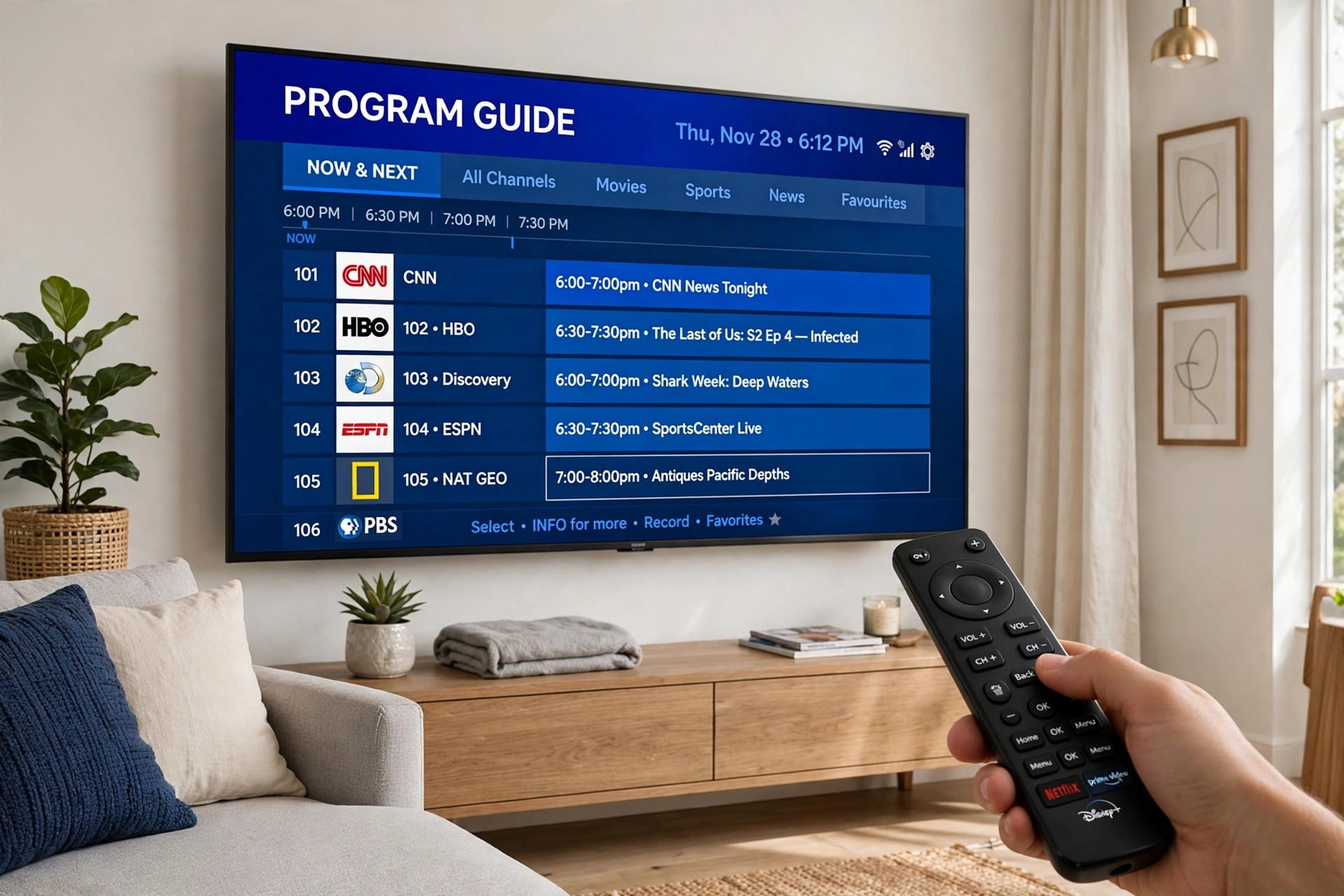
EPG stands for Electronic Program Guide, and it is a data file your player downloads alongside the channel list. Each channel carries a schedule — program names, start times, end times and short descriptions — usually covering the next 24 hours to seven days. TiviMate, IPTV Smarters Pro and IBO Player all read the same kind of file and turn it into the grid you scroll through on your TV. Without it, you see channel names and nothing else, and you have to open each channel to find out what is playing.
A good EPG changes how you watch. You can see that Sunday Night Football starts at 8:20 PM on NBC, that the NBA game on TNT tips off at 7:30 PM, and that the movie on AMC ends at 11 PM. You can set reminders, plan the evening, and flip between games during commercial breaks without missing a play. A provider that maintains its EPG is maintaining its service daily, because the guide only stays accurate when someone updates it every day — and that daily care shows up everywhere else too.
Why your EPG is empty or wrong
An empty guide usually means the player never downloaded the EPG file, or downloaded it from the wrong address. In IPTV Smarters Pro, the EPG loads when you add the user; if the login was interrupted or the app was closed too early, the guide stays blank. In TiviMate, the EPG updates on its own schedule, and a playlist added without an EPG source shows no listings at all. The fix in both cases is the same: refresh the guide manually and let the app finish the download before you judge it.
A guide that shows the wrong programs is a different problem. It usually means the EPG data is stale — the provider has not updated it — or the time zone is wrong on your device. If every program is shifted by one hour, check the time zone on your Firestick or Android TV box: a device set to Pacific time while you live in New York will shift the whole guide by three hours. If only some channels are wrong, the provider data is out of date, and that is a maintenance problem on their side, not yours.
Fix the EPG in TiviMate
Open TiviMate, go to Settings, then EPG, and check that an EPG source is listed and enabled. Tap Update EPG to force a fresh download, then wait a few minutes — a full guide for thousands of channels takes time to load, and closing the app early leaves it half empty. If the guide is still blank after the update, remove the playlist and add it again with the Xtream Codes login, because the EPG address comes with the login and a broken login means a broken guide. Make sure the time zone in TiviMate matches your device time zone.
TiviMate also lets you pick how many days of guide data to keep. Set it to three days instead of seven if your Firestick is short on storage — a smaller guide loads faster and freezes less on older sticks. Turn on the option to update the EPG on startup so the guide refreshes every time you open the app. After the update, open the guide for ABC, NBC and ESPN and compare it with the real schedule for the evening. If those three match, the guide is working.
Fix the EPG in IPTV Smarters Pro
In IPTV Smarters Pro, open Settings, then EPG, and tap Refresh EPG. If the guide is empty, go to the user profile, check that the EPG URL is present, and re-add the user if it is missing. The app downloads the guide in the background, so leave it open for five minutes on first setup — a common mistake is closing the app after thirty seconds and concluding the guide is broken. Restart the app once the download finishes and the grid should fill in.
If the guide shows programs but the times are wrong, check the EPG time offset in the settings. Some providers send the guide in UTC, and the player must shift it to your local time. Set the offset to match your time zone — Eastern, Central, Mountain or Pacific — and refresh again. Test the fix on a channel with a known schedule, like the evening news on CBS at 6:30 PM, and confirm the guide shows the news at the right hour before you trust the rest of it.
Check EPG accuracy like a reviewer
A provider that cares about its guide will pass a simple accuracy test. Pick three hours — 7 PM, 8 PM and 9 PM — and compare the guide with what is actually on ABC, NBC, CBS, FOX and ESPN. The news, the game and the primetime show should all match. Then check the sports start times: if the guide says the NFL game starts at 1 PM and the game actually kicks off at 1 PM, the data is being maintained. If the guide is off by an hour or shows yesterday programs, the provider is not updating it daily.
- Compare the guide with the real schedule at 7 PM, 8 PM and 9 PM.
- Check sports start times on ESPN, FOX and NBC against the real kickoff.
- Confirm the time zone on your device matches your actual time zone.
- Refresh the EPG manually in TiviMate or IPTV Smarters Pro and wait five minutes.
- Test the guide during the free trial — accuracy on day one predicts accuracy later.
Run this test during the free 24-hour trial and you will learn more about a provider than any sales page can tell you. A guide that matches reality means a team is watching the service every day. A guide that is empty or a day behind means nobody is. Our EPG covers the full US lineup with daily updates, and if a listing ever looks wrong, a message on WhatsApp gets it checked the same day.
EPG and catch-up TV
The guide is also the key to catch-up TV, the feature that lets you watch a program that aired earlier. In TiviMate and IPTV Smarters Pro, you open the guide, scroll back a few hours, and press play on a program that already finished. That only works when the guide is accurate, because the player uses the guide times to find the recording. A guide that is off by an hour will play the wrong program or nothing at all, which is another reason accuracy matters beyond simple browsing.
Catch-up is usually available for 24 hours to seven days depending on the channel, and it works best on the big US networks — ABC, NBC, CBS and FOX — plus ESPN and the major cable channels. Test it during the trial: open the guide, go back three hours on NBC, and try to play the evening news. If it plays, both the guide and the catch-up system are working. If the guide is blank, catch-up cannot work at all, and that tells you the provider has not set up the feature properly.
Time zones and daylight saving
The USA spans four main time zones plus Alaska and Hawaii, and the EPG has to handle all of them. A provider that serves the whole country must shift the guide per region, so the 8 PM primetime show on ABC appears at 8 PM Eastern and 8 PM Pacific in the guide, not at the same absolute moment. If your guide shows East Coast times while you live in California, every program will look three hours early, and you will miss games you thought started later.
Daylight saving time causes the same problem twice a year, when the clocks change and a guide that is not updated shifts by an hour for a week. A well-maintained service updates its EPG data on the day the clocks change; a neglected one leaves the guide wrong until someone complains. After a clock change, refresh the EPG manually and check the evening news time. If it is right the same evening, the provider is on top of it. Our installation help page shows how to refresh the guide on all 13 supported devices.
When the provider is the problem
Some EPG problems cannot be fixed on your device. If the guide is empty on your Firestick, your phone and your Smart TV at the same time, the EPG file on the server is broken or missing, and only the provider can fix it. Message support with the channel names and the time, and ask them to check the EPG source. A good team will confirm the problem and fix it the same day; a bad team will tell you to reinstall the app, which changes nothing when the server file is the cause.
Before you switch providers over a broken guide, test the next one the same way: run the three-hour accuracy check during the trial, on the channels you watch most. A provider whose guide is accurate on day one is likely to keep it accurate, because daily EPG maintenance is a habit, not a one-time job. Our Premium plans include a daily-updated EPG for the full US lineup, and the blog has a guide to testing any IPTV service in one evening.
If you report a guide problem, include the channel, the program shown, the program that is actually on, and the time — that is all the team needs to check the data file for that channel. A good team will fix the listing and tell you when it is corrected, usually the same day. A team that asks you to reinstall the app three times is not checking the data at all. The guide is a daily job, and the way a provider handles a guide complaint is the clearest window into how the whole service is run.
A guide earns its keep on the nights when the schedule moves. Rain delays push a baseball game an hour late, overtime stretches a hockey game past its slot, and a Premier League kickoff shifts with the TV picks, and each change has to reach your screen before you open the app. When it does not, you record the wrong hour or miss the start entirely. Test the guide the same way you test the stream: pick three channels you watch, write down what the guide promises for tonight, and check it against the real broadcast. Sports make the test harder, and the best IPTV for sports guide covers how the guide holds up on a full Sunday slate, while the NFL guide focuses on the games that move most often. If the guide is accurate on your channels, the service is doing the unglamorous work right, and the best IPTV service USA overview shows how that fits with channels, quality, and price.