IPTV service uptime reliability USA: how servers work
When you open a channel on ESPN, your player asks a server for the live stream, and the server sends the video in small pieces, a few seconds at a time. That server is a computer in a data center, and it can only serve so many viewers at once before it slows down. A small provider might run one server for all its customers; a serious provider runs many servers in several data centers, so a failure in one place never takes down the whole service. The difference is invisible on a quiet Tuesday and obvious on a Sunday afternoon, when demand triples in ten minutes.
Servers also carry the electronic program guide, the movie library, and the login system. When the login server is slow, the app takes a minute to open. When the guide server is down, the EPG goes blank. When the stream server is overloaded, the picture freezes. A reliable provider monitors all of these separately and fixes problems before viewers notice them. A weak provider finds out about problems from angry messages on WhatsApp, hours after the game started.
The signs of an overloaded server
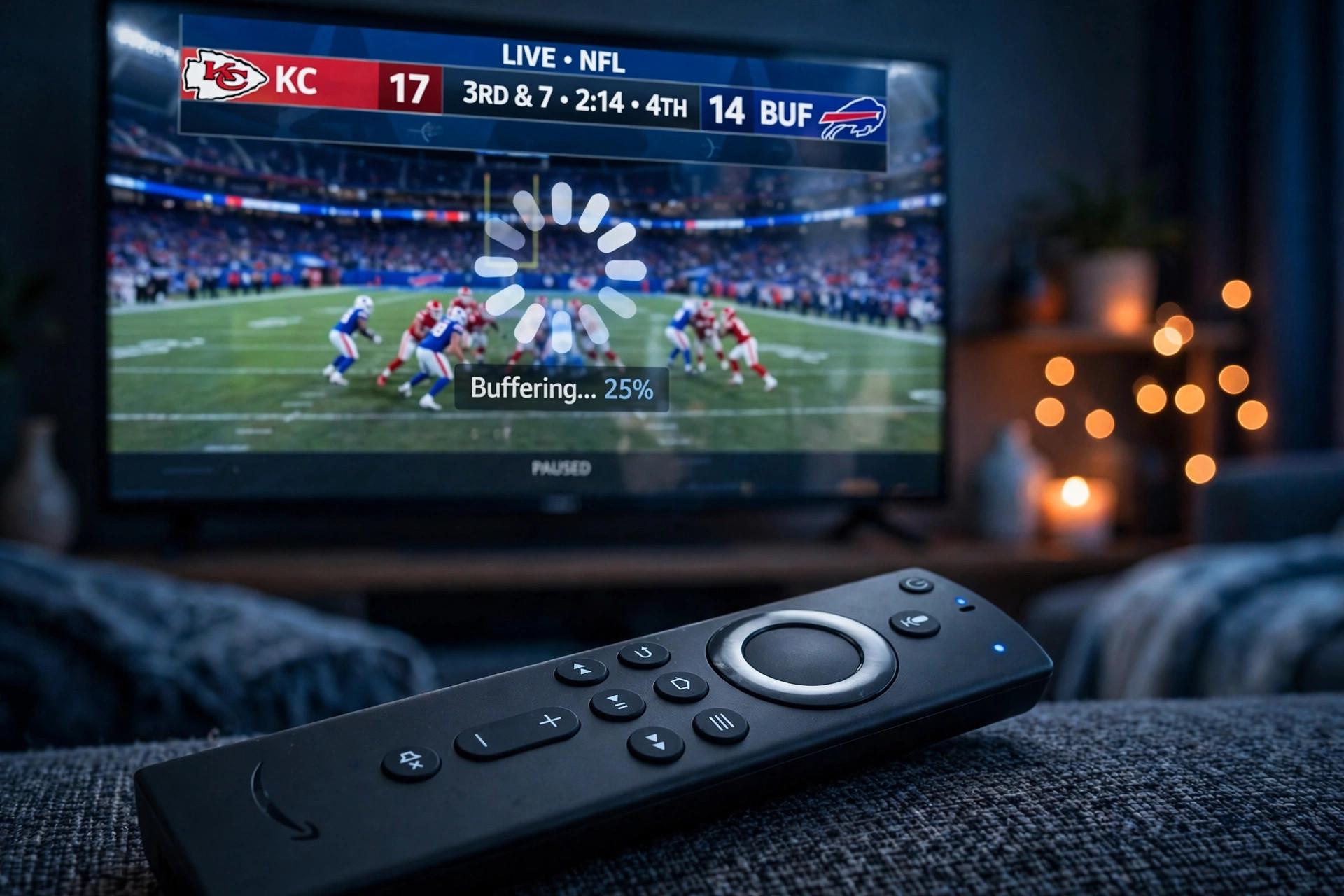
Overloaded servers show the same symptoms every time. Channels take ten to thirty seconds to open instead of two. The picture freezes for a few seconds every couple of minutes, especially during live sports. The EPG loads slowly or not at all. Switching channels feels sticky, as if the app is thinking before it acts. If you see two or more of these at peak time but not at quiet times, the servers are the problem — your Wi-Fi and your Firestick are fine, and no setting on your end will fix a server that is serving too many people.
Test it the honest way: watch the same channel at 2 PM on a Tuesday and at 8 PM on a Sunday. If the picture is perfect on Tuesday and frozen on Sunday, the provider has no spare capacity. Start the free 24-hour trial on a Sunday and run that comparison yourself — it is the single most useful test in this whole guide, and it costs nothing. A provider with reliable servers will look the same at both times.
Uptime claims you can trust
Many providers promise high uptime, but the honest way to judge it is to watch the service yourself at the worst times. A service that works through the Super Bowl, the NBA Finals on ABC, and a full Sunday of NFL games has proven its reliability in a way no sales page can. A service that freezes during the first quarter of a big game has failed the only test that matters, whatever its website claims. Keep a notebook during your trial and write down every freeze with the time — three clean evenings in a row is a pattern, and one bad evening is a warning.
Be careful with providers that quote uptime percentages without any way to check them. A number on a sales page is easy to write and hard to verify, and the only verification that counts is your own evening of watching. Test the trial on the biggest night available — a pay-per-view on ESPN+, a Sunday Night Football game on NBC, or the College Football Playoff in January — and judge the service by that night. Our Premium plans run on priority servers with spare capacity held for those nights.
What redundancy means for viewers
Redundancy is the backup plan you never see. A reliable provider keeps a second server ready for every important stream, so when one server fails or a data center has a network problem, viewers are moved to the backup in seconds. You might see a one-second pause; more often you see nothing at all. Without redundancy, a single failure takes down every channel until a technician restarts the machine, which can mean an hour without TV on the biggest night of the year. Ask any provider what happens when a server fails — the answer tells you whether redundancy exists.
Redundancy also covers the login and guide systems. If the login server goes down, new viewers cannot sign in, even though the streams are fine. A reliable provider runs the login system on more than one machine, so a failure there is invisible too. You can test this indirectly: if the app opens fast and the guide loads instantly at 8 PM on a Sunday, the whole system is healthy, not just the video servers. If the app is slow to open but the channels play fine, the login or guide servers are struggling.
Server locations and your picture
Where the servers sit affects your picture more than most people realize. A server in a US data center delivers a stream to a viewer in Texas or Ohio with low delay, which means the buffer fills fast and the picture starts quickly. A server on another continent adds delay to every piece of video, which makes channel changes slow and buffering more likely when the connection dips. A provider that serves the USA should run servers close to its American viewers, and a trial will show it: channels that open in two seconds are served nearby, and channels that take twenty seconds are not.
The number of servers matters too. A provider with servers in several US regions can move traffic away from a busy region to a quiet one, while a provider with a single location has nowhere to move it. During a big game, viewers in the Eastern time zone start streaming first, then the Central, Mountain and Pacific zones join in waves — a provider with regional servers absorbs each wave in turn. A single-location provider feels all four waves at once. Our install guide shows how to set up your device so the test measures the servers, not your Wi-Fi.
How maintenance shows in reliability
Reliable servers are maintained, not just switched on. A good provider updates its channel list weekly, removes dead streams, refreshes the EPG daily, and adds new movie premieres regularly. You can see the maintenance in small ways: the guide matches the real schedule, the movie library has recent releases, and channels that disappeared last month are gone instead of sitting dead in the list. A provider that never maintains its servers will show a guide that is days old and a library that never changes — and the same neglect will eventually hit the stream servers too.
- Watch the same channel at 2 PM Tuesday and 8 PM Sunday and compare freezing.
- Count how many seconds each channel takes to open at peak time.
- Check that the EPG matches the real schedule for ABC, NBC and ESPN.
- Open five channels you never watch and see whether any are dead.
- Message support during a freeze and see whether they check the server side.
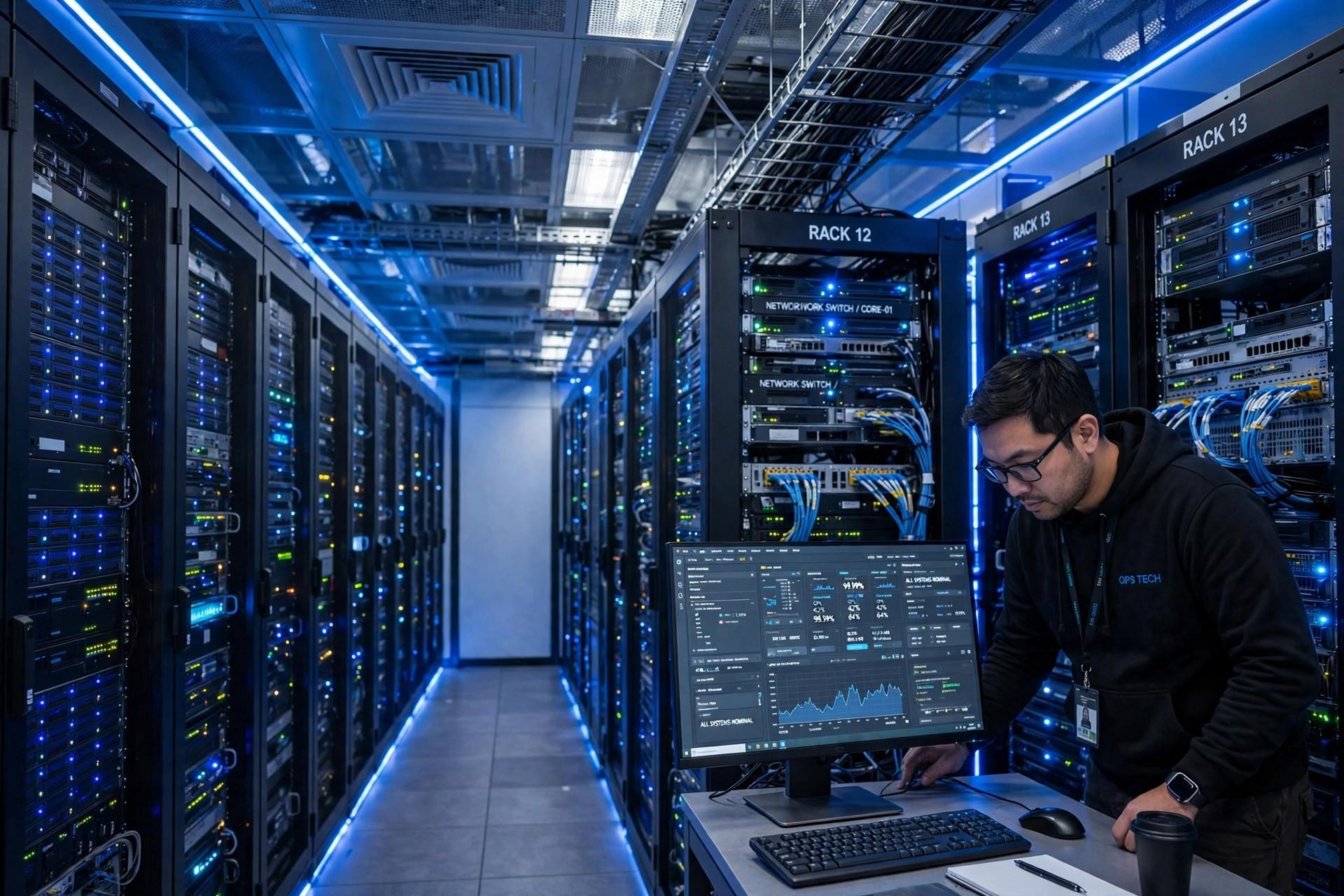
Maintenance also means watching the load during games. A serious team has technicians on duty during the Super Bowl and the NBA Finals, watching server loads and moving traffic before problems start. A provider with no one watching will only learn about a failure from customer complaints. Ask support during your trial what happens during a big game — a team that describes its game-day routine is a team that maintains its servers.
Test server reliability in one Sunday
One Sunday is enough to judge a provider. Start the trial at noon, watch the 1 PM games on CBS and FOX, the late games on FOX and NBC, and Sunday Night Football at 8:20 PM. Count every freeze, note the time each channel takes to open, and check the guide at halftime. Zero freezes and fast channel changes across seven hours means reliable servers. Three or more freezes, especially at kickoff, means overloaded servers — and the same thing will happen every Sunday if you subscribe. Do the test on a second Sunday if you can, because two clean Sundays is a pattern.
Compare the trial with your current service on the same Sunday, on the same TV, at the same time. Open the same game on both and watch the first quarter side by side. The difference in freezing and opening speed is usually obvious within ten minutes, and it is the most honest comparison you can make. Our anti-freeze guide explains the server setup behind a stable picture, and the blog has a one-evening test plan for any provider.
When to switch providers over servers
Switch when the pattern is clear: every channel freezes at peak time, the guide is often wrong, and support blames your Wi-Fi without checking the server side. Those three together mean the provider has no spare capacity and no real monitoring. Give the team one chance to fix it — message them during a freeze with the channel and the time, and see whether they move you to a less loaded server. A good team will do that in minutes. A team that tells you to restart your router for the fifth time is out of answers.
Before you switch, test the next provider the same way, on a Sunday, with the same channels. A provider that passes the Sunday test is worth the price, and Premium at $19.99 a month is less than one month of cable TV in most US cities. Read the refund policy before you pay — 7 days to change your mind, 30 days on yearly plans — and start with one month before you commit to a year. Reliable servers are what you are actually buying, and the trial is how you prove they exist.
One final check costs nothing and tells you a lot: message support during your trial and ask which data center serves your region. A team that knows the answer runs its own servers and watches them daily. A team that cannot answer is reselling someone else's service and has no control over the servers at all. That single question separates a real provider from a middleman, and the answer is worth more than any sales page.
Uptime figures on a sales page are easy to print and hard to check, so measure the service yourself instead. Pick the three channels you watch most, open each one at 8 PM on three different evenings, and write down whether it opened, how long it took, and whether it froze in the first ten minutes. Nine small tests tell you more than any uptime badge, because they cover your channels at your hours on your internet. If a channel fails twice, message support with the dates and times and see what they say; a team that checks the server log and gives you a straight answer is worth more than a team that quotes a percentage. The most reliable IPTV service USA guide puts those nine tests into a full checklist, and the free 24-hour trial gives you the first evening free, so the measurement costs you nothing but attention.